Munbyn Thermal Printer Giveaway
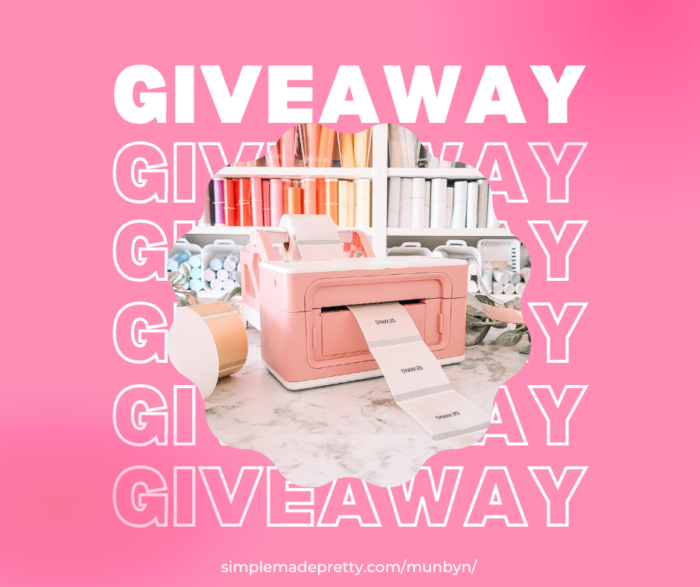
Are you looking for a reliable thermal printer for your business? Look no further than Munbyn! Munbyn is a leading manufacturer of thermal printers, offering high-quality products at an affordable price. And the best part? We’re giving away a Munbyn thermal printer to one lucky winner! Keep reading and follow the instructions below to enter this Munbyn Printer Giveaway!
In case you’re in a hurry…
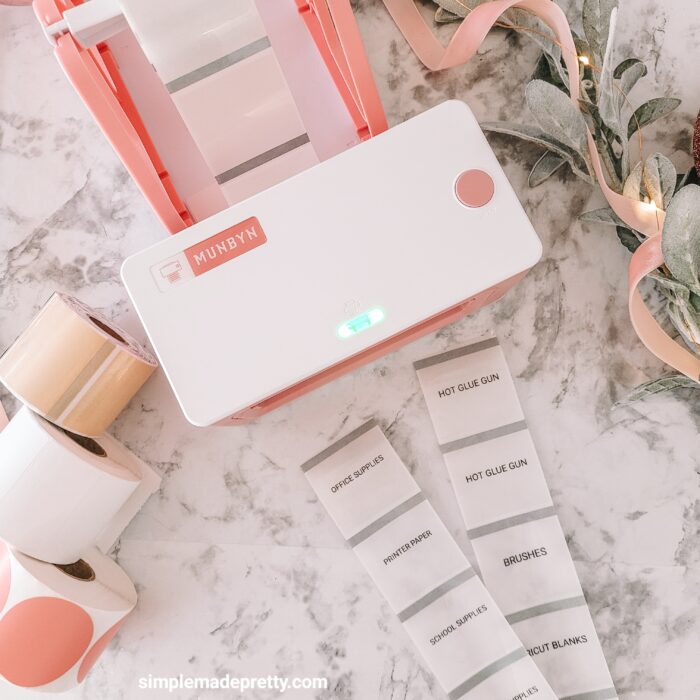
What is the Munbyn Printer?
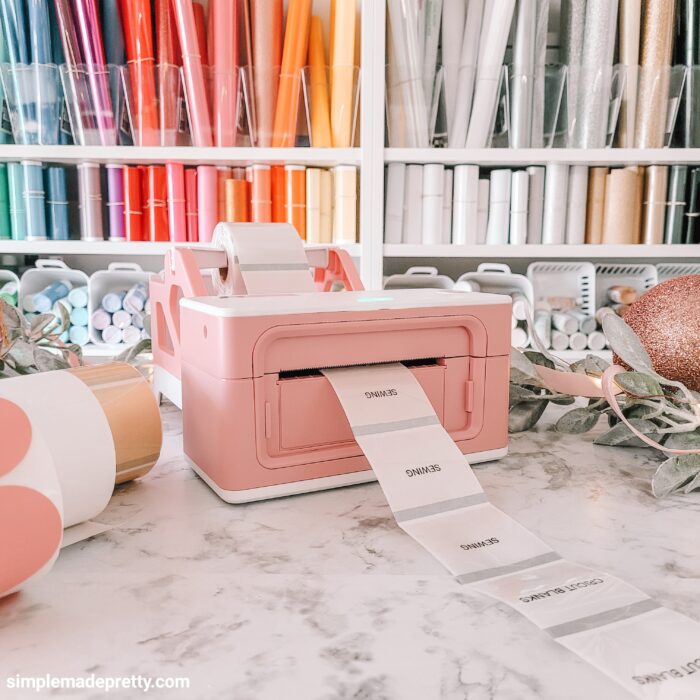
Munbyn label printer can help in designing and printing personalized labels. One of the primary uses of the Munbyn thermal printer is for printing out shipping labels and receipts. This is particularly useful for small business owners who need to keep track of their inventory and shipping orders.
Another popular use for the Munbyn thermal printer is for printing out barcodes. This is especially useful for businesses that sell products that need to be scanned at the point of sale. The Munbyn thermal printer can print out high-quality barcodes that are easy to scan and read.
The Munbyn thermal printer is also ideal for printing out labels for jars, boxes, and other items. This is particularly useful for businesses that produce their own products and need to label them with important information such as ingredients, expiration dates, and nutritional information.
Overall, the Munbyn thermal printer is a valuable tool for any business that needs to print out labels, receipts, or barcodes. Its versatility, efficiency, and ease of use make it a great investment for any business owner looking to streamline their operations and improve their productivity.
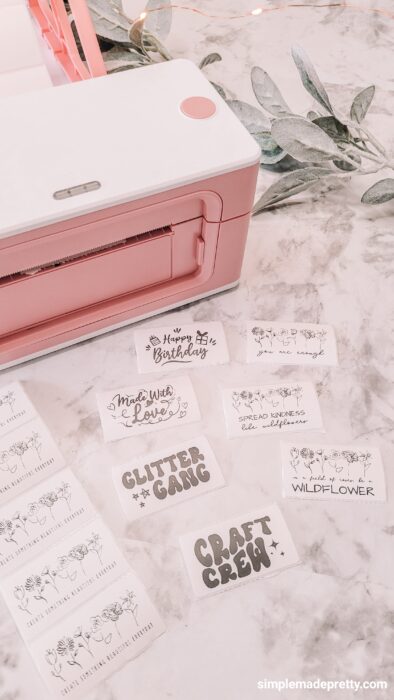
Here are some features and benefits of the Munbyn Printer:
- Compact in size: 7.8×3.8×4.3 inches, fitting easily into a drawer without taking up much space.
- Aesthetic Appeal: Available in pink and white, it adds a lovely touch to a cozy home.
- Practical Labels: Prints oil-proof and water-proof labels, perfect for keeping things organized in the house.
- Reasonably priced: priced at $189.99
- Printing width 1.57″ to 4.3″, can create personalized stickers and other sized labels as well as standard 4×6 labels
- High-resolution: optional 203 dpi and 300 dpi
- Energy-saving: no ink or toner is needed
- Time-saving: printing speed of 150 mm/s (1 label per second)
- Uses: shipping label, branding label, product label, logo sticker, thank you stickers, QR code label, care instruction label, pantry labels, jar labels, organizing boxes labels, etc.
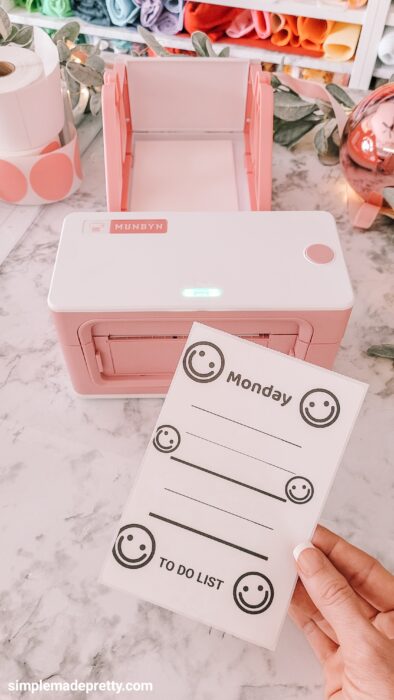
Munbyn Thermal Printer Giveaway CLOSED
*******UPDATE: The Giveaway has ENDED and a winner has been contacted. Congrats Terry Kinzel!******
One (1) lucky winner will win a Munbyn Bluetooth label printer and a roll of labels!
Please note that participation in the giveaway is open to residents of the US only.
Begins on: Feb 1st
Ends on: Feb 14th
Follow the below Instructions to participate:
- Visit Munbyn’s Giveaway page HERE to view the Valentine’s Day Popular label templates.
- Select your favorite label template and then return to this giveaway blog post.
- Leave your favorite template name in the comment area of this blog post.
The winner will be selected at random and announced in this blog post. So what are you waiting for? Enter now for your chance to win a Munbyn thermal printer!
Munbyn is also running a label template design campaign! Participants who upload their label design on the Munbyn Print App stand a chance to win a $50 gift card!!
How To Use the Munbyn App to Design Labels and Stickers
Munbyn is a versatile labeling app that can be used to create custom labels and stickers for personal and commercial use. Here is a quick guide on how to use the Munbyn app to design unique labels and stickers.
- First, download and install the Munbyn app from your device’s app store. After installation, open the app and select the ‘Create Label’ option.

- Choose a label size and shape that will fit your needs, and then select a background color or image that suits your label’s theme. You can also choose to add text, images, and shapes to your label, and customize their color, size, and font.

- Once you have designed your label to your satisfaction, save it and print it out on adhesive paper or sticker paper. You can then cut out your custom label or sticker and use it for whatever purpose you desire.
- Munbyn also offers a range of pre-designed templates that you can customize with your text and images. Simply select the ‘Templates’ option from the app’s main menu, choose a template that suits your needs, and customize it as desired.

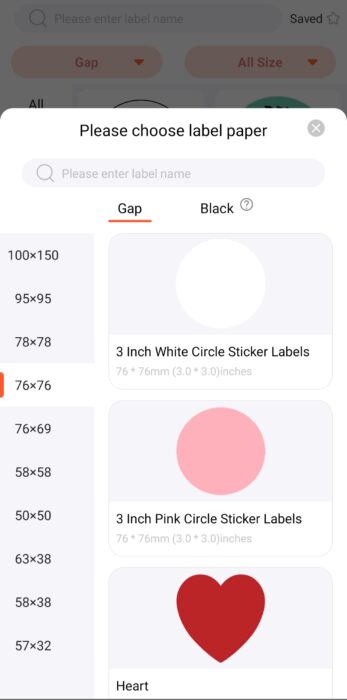
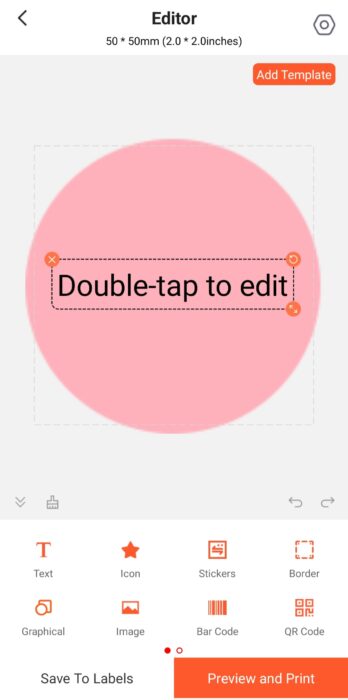
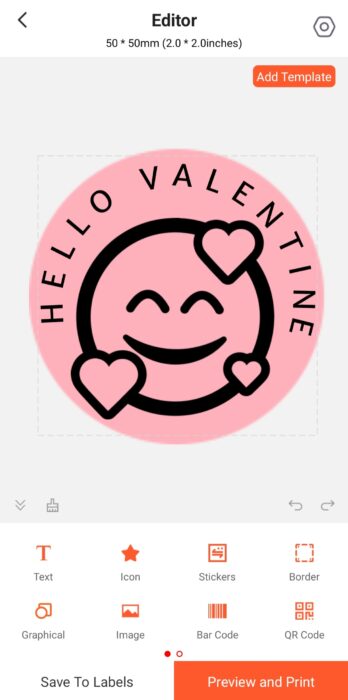

With the Munbyn app, designing your own labels and stickers has never been easier. Whether you’re creating labels for your homemade products, organizing your home or office, or creating stickers for your business, the Munbyn app offers a simple and intuitive platform for all your labeling needs.

Don’t forget…
Psssssttt…Right now I’m offering FREE access to our Digital Resource Library to all of our newsletter subscribers. Your private access includes dozens of free printable crafts, home decor and organization guides. Hurry up and grab your freebies here! (Access instructions are sent after subscribing).
Disclaimer: This post may contain affiliate links or a sponsored post. All opinions are always 100% mine and I don’t partner with any product or company that I don’t use and love. Please see our Full Disclosure for more information.
 10 Valentine’s Day Free Printables
